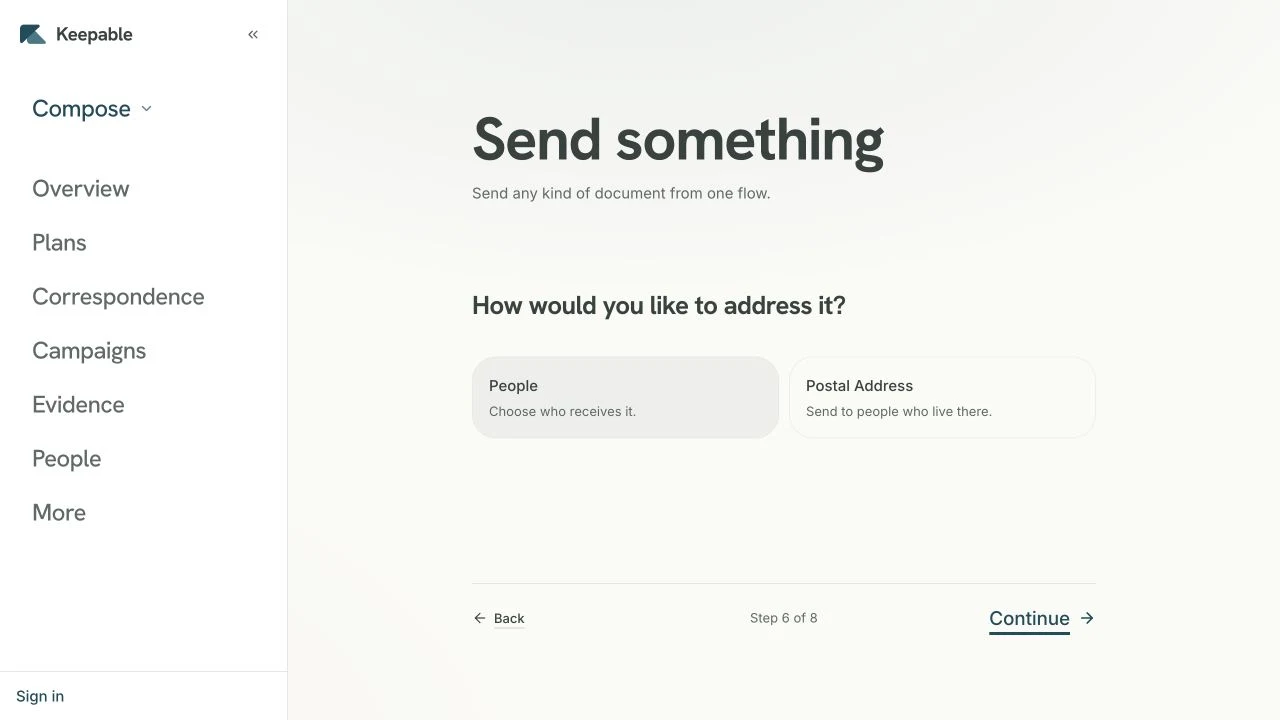
Send document wey person need receive, understand and keep. E enter their Keepable with your verified organisation's name, show the right layout for the type of content, and carry seal so later changes go show.
One letter from portal or ten thousand payslips for one call use the same path, with same proof for each. Each person fit get their own figures and file; batch fit be ten thousand different documents, no be one document sent ten thousand times.
Your identity stay consistent
Your name, logo, letterhead and font. Any change pass our reviewer before recipient see am, so recipient fit always know which verified organisation write to dem.
Dem keep am, so dem no need ask you again
E enter person own mailbox and stay there. No link wey go expire, no portal password wey dem go lose, and no call three years later to ask your contact centre to resend statement.
Document wey dey recipient own inbox still dey available when dem need am again.
Wetin dey arrive
The document itself, sealed, inside person own mailbox.
How e look
Your letterhead and font. No be our template with your logo on top.
How much e cost
For each delivery to verified person. No be for each attempt.
Questions and answers
Which document types really dey?
Eight defined types: plain letter, invoice, payslip, statement, receipt, booking, registered letter wey need acknowledgement, and processing notice. Type determines how recipient app show am and which figures we check. Payslip with net pay of two hundred and fifty thousand naira written with commas go fail validation, instead of showing wrong.
Wetin letter fit contain?
Formatted text: headings, lists, tables, emphasis, your own font and colour. We clean am using list of allowed things; we no just trust am. Remote images no load because recipient read am inside frame wey no fit fetch anything. Files fit follow, up to 25 MB each; upload once and reference dem for every send wey need dem.
How I fit add each person own figures?
Give values for each recipient; document body fill dem in and escape dem so spreadsheet value no fit close code tag. If person's values no cover placeholder wey document need, we reject am instead of sending payslip with “Net pay:” and nothing after. Document wey missing information fit deceive person because e look like e work.
Wetin happen if delivery fail?
We try each one five times. If e still no deliver, we park am with reason for that person, no just drop am. After you fix cause, you fit resend all parked items in one action. Resend give those recipients five fresh attempts.
What if person no get Keepable yet?
We seal document and hold am for dem; e become theirs as soon as dem open account. You choose how long e wait: 30 days or 390. E show as separate successful state, so you no go chase send wey already dey wait there.
I fit use am for marketing?
No be to reach just anybody. You no fit address person wey you no already need write to, and no list to upload. You fit add banner above or below mail dem already receive from you: one image with 3:1 ratio, up to 300 KB, after our review. Campaign no ever cause send; e only follow existing send.
The limit
Keepable no be marketing channel; nothing here let you address person wey you no already need reach. Send things wey person go miss if dem no get am: statement, notice, result or payslip. Reviewed campaign banner fit follow mail dem already receive, and na only that. Campaign traffic na wetin make SMS get switched off before; if e choose audience here too, e fit spoil the channel wey people still dey open.
 Keepable