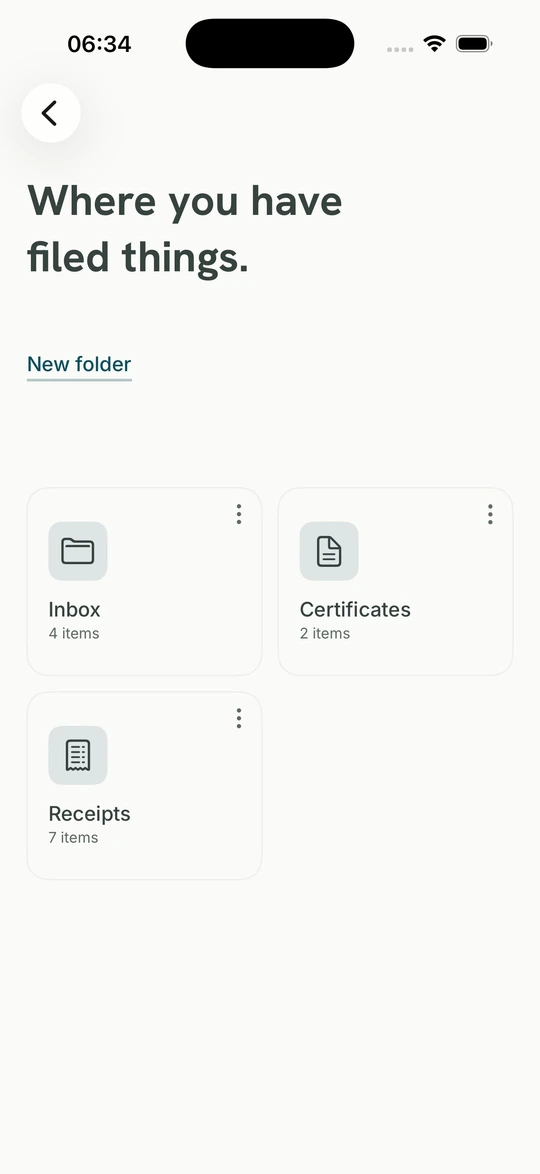
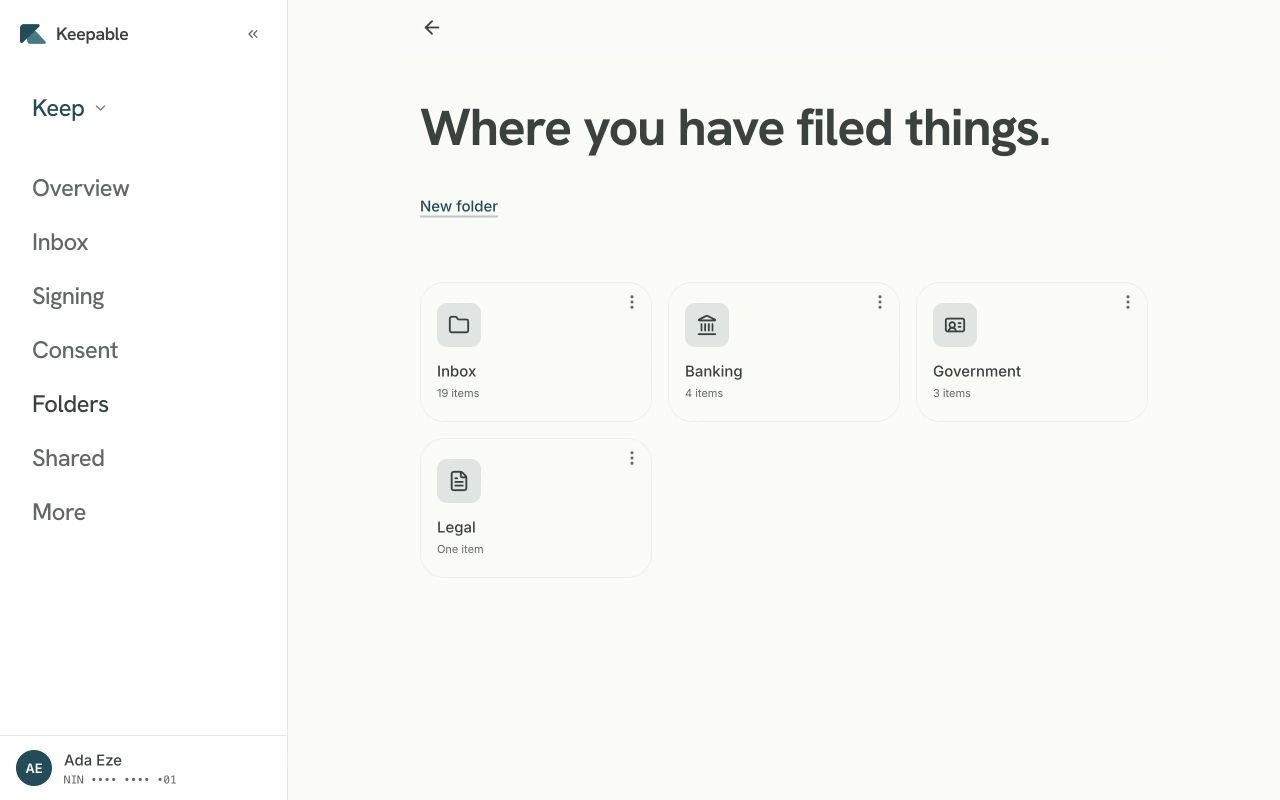
Your own digitalmailbox.

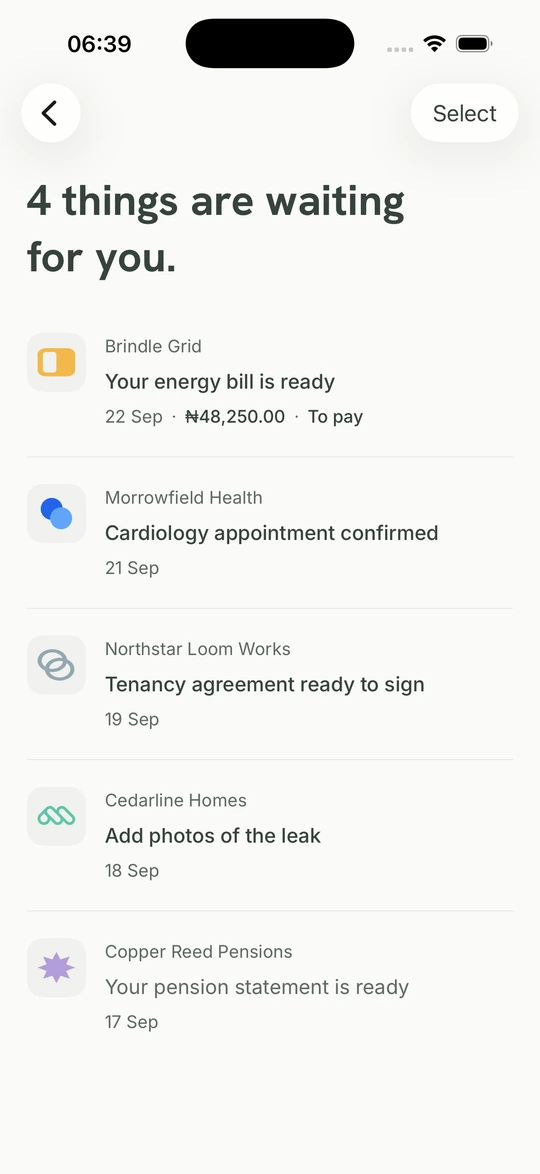
When organisation send you something through Keepable, e go land here. See who send am, wetin dem need from you, and keep the record together with your answer.

01

See who send am.

Every item dey show the organisation wey send am and when e land.

02

See whether e need you.

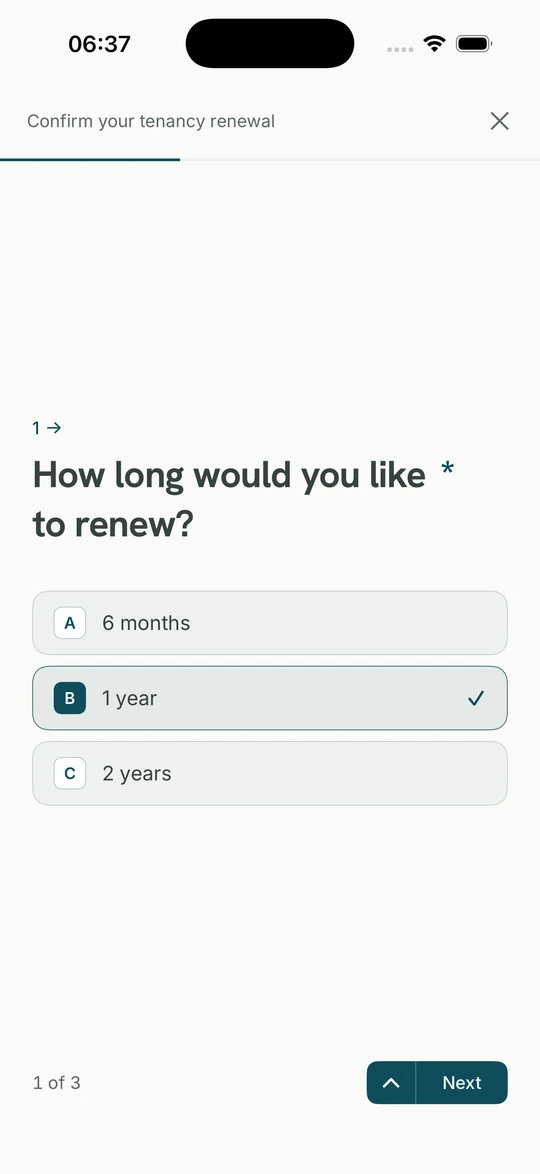
Some items na only to read. Others fit ask you to sign, fill form, upload document, or decide.

03

Keep the whole record.

The item, delivery details, and anything wey you send back dey together inside your mailbox.

When e comethrough Keepable.

Na only verified organisations fit send enter Keepable. Every item dey show who send am, e reach the mailbox wey tie to you, and dem seal am so you fit check say e never change.

The sender name dey there
Before organisation fit send anything, Keepable dey check the organisation and the people wey dey responsible for the account.
The mailbox na your own
We check your identity when you open or recover your Keepable, so mail wey dem address to you reach your mailbox even if your phone number change owner.
The original remain the same
Dem seal every item when e land. You fit keep am, download am, and let another person check say the file never change.

Know who send am.Know say e remainthe same.

Keepable dey record the verified organisation wey deliver the item and whether the file don change since. You no need trust logo, forwarded message, or screenshot.

Read am.Answer if e need you.Keep your copy.

Some items na to read. Others fit ask you to sign, fill form, upload document, or talk yes or no. Your copy and your answer dey together.

  1. Read am

    Read am now or find am later

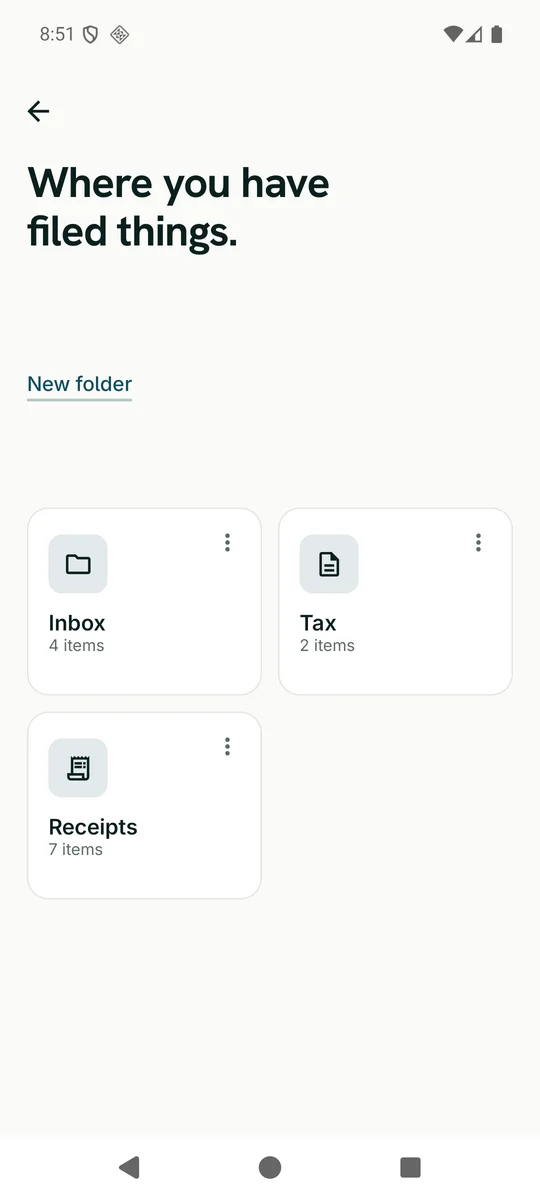
    Open anything wey organisation send through Keepable, see when e land, and put am for folder if you want. You fit add your own documents join the same shelf.

  2. Sign am

    Sign, and keep the signed copy

    When you sign, your passkey dey confirm that exact document and the signed copy stay with the item. You fit download am and verify am later.

  3. Answer am

    Reply without printing and scanning

    If item get form, answer am here. If e ask for document, attach one wey you don keep or add new file from your phone.

  4. Share am

    Share with people wey you trust

    Let your husband or wife, lawyer or accountant read your inbox and arrange am if you want. Dem no fit sign, agree or decline anything as you, and you fit end the access with one tap.

Each one get im own page, with wetin e do, wetin dey on the record, and where e stop. Wetin you fit do.

Your NIN dey verify you.We no dey keepthe number.

If we ask for your NIN and face check, you deserve clear explanation. See wetin we use, wetin we keep, and how you fit check our claim by yourself.

Una go keep my NIN?
No. We check am with NIMC so your documents reach the correct person, then we discard the full number. We keep the last four digits and protected reference wey nobody fit turn back into your NIN.
Why una need my face?
Liveness check dey confirm say the person wey dey open or recover the Keepable dey there for real. Every day, na passkey you go use instead of password or SMS code, so nothing dey to cram and no code dey wait for your SIM.
I fit carry my things comot?
Yes. Download your documents and account data any time, or close your account. These controls put your rights under NDPA inside the app.

Anybody fit check Keepable document without account. Choose the file wey you hold, and your browser go check if anything don change without uploading the file. Verify document.

Open yourdigital mailbox.

To open Keepable na free. We check your NIN and face when you open or recover the mailbox. Every day, na your passkey you dey use, with no password or OTP to remember.

When your organisation send through Keepable, the recipient dey see who send the item, wetin e need from them, and keep the item together with their answer. See Keepable for business.