Add from your phone or computer
Add a photo, scan, or PDF from your phone. It stays beside the documents organisations sent through Keepable and remains available across your devices.
 Keepable
Keep your certificates, contracts and records in one place. Add files from your phone or computer, then organise them in folders beside the letters organisations send you through Keepable.
Add a photo, scan, or PDF from your phone. It stays beside the documents organisations sent through Keepable and remains available across your devices.
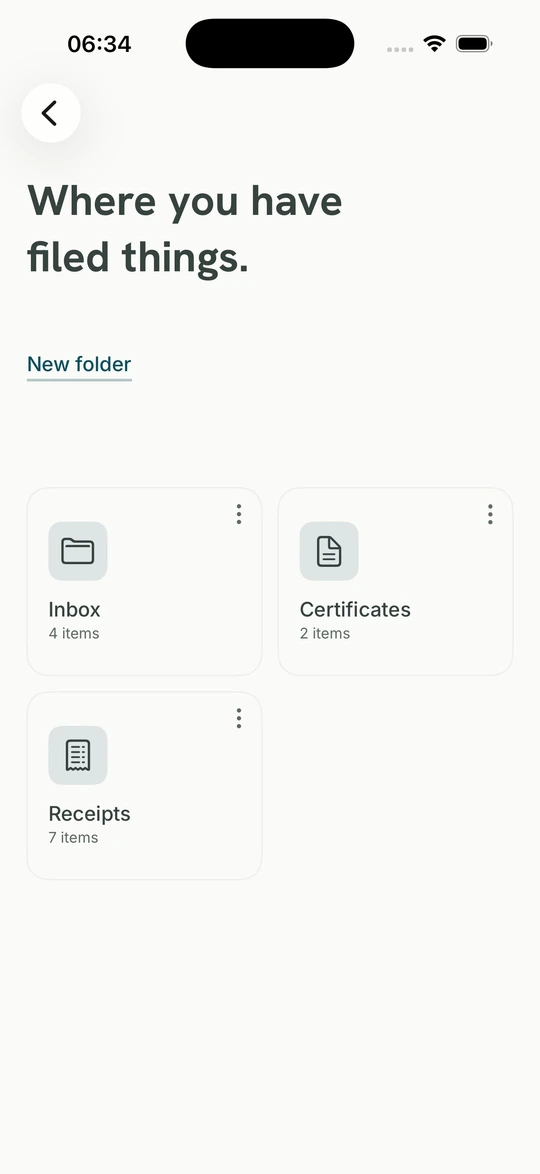
Group what belongs together and give the folder a name and a symbol. Official letters and your own uploads sit side by side in it, which is how you actually think about your papers.
Six months of payslips, three years of statements, the certificate the school wants. Put them in one folder so the set is ready when you need to review or send it.
A PDF, a photo or a scan, up to 20 MB, from your phone or your computer.
The GPS in a photograph and the author and software details buried in a PDF, before it is stored.
Download the lot whenever you like, or close the account and take it with you.
PDFs, photographs and scans, up to 20 MB each. Add them from your phone or computer and organise them beside the items already in your Keepable.
A photograph taken at home usually carries the location it was taken in, to within a few metres, which is your address. A PDF out of a word processor usually carries the author's real full name, the software, the dates, and with some programs the entire folder path on the machine that made it. All of that is removed before the file is stored, on every route in: the app, the website, and both phones.
Three cases, and each one is recorded against the document rather than glossed over. A PDF that already carries a digital signature is left alone, because rewriting it would break the signature and we will not trade a contract's evidentiary value for a software name. A file that is password-protected or too damaged to read cannot be rewritten either. A GIF is also left alone because Keepable has no supported metadata to strip from that format.
Both are sealed, so both can be proved unchanged since they arrived. Only one carries a sender. We can show whether your passport page has changed since you put it here; we cannot show where you got it because we were not there. The document clearly says which kind it is.
You name one and give it a symbol, and it holds both kinds of paper side by side: the payslips your employer sent and the passport page you photographed. Each shows how much is in it, so "six months of payslips" for an embassy is a folder you open rather than an afternoon of digging.
Yes, whenever, without asking anybody. Download everything, or close the account and take the lot with you.
Something you upload yourself is yours, and it is not the same thing as a letter from your bank. Keepable can show whether it has changed since you put it here. It cannot show where you got it because we were not there when you did. The difference is shown on the document itself for you and anyone you send it to.