 Keepable
Add from your phone or computer
Add photo, scan or PDF from your phone. E stay beside documents wey organisations send through Keepable, and e remain available for all your devices.
Keep your certificates, contracts and records for one place. Add files from phone or computer, then arrange dem for folders beside letters wey organisations send you through Keepable.
Add photo, scan or PDF from your phone. E stay beside documents wey organisations send through Keepable, and e remain available for all your devices.
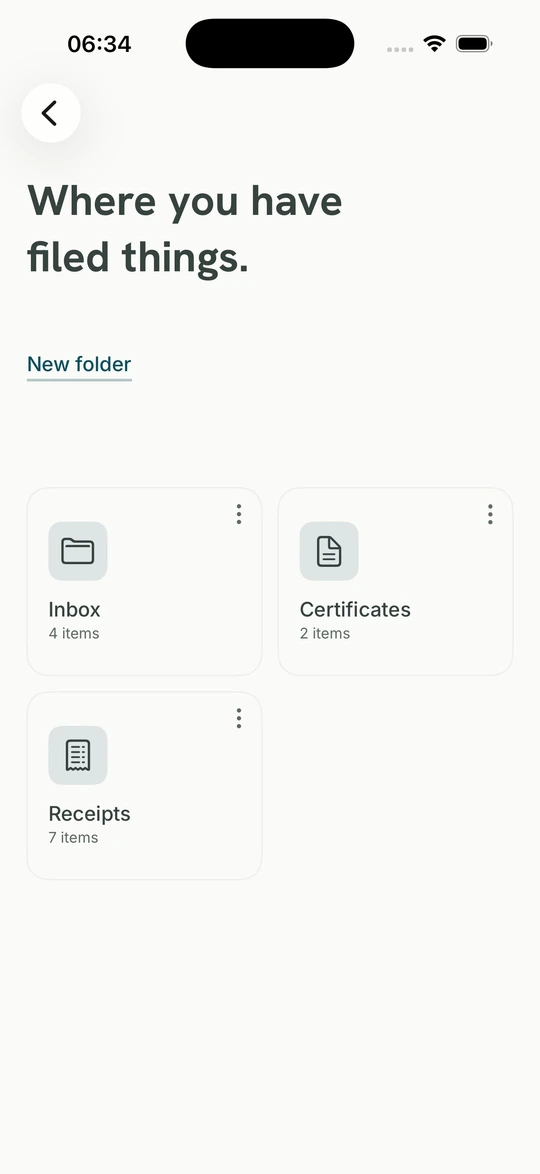
Group wetin belong together and give folder name and symbol. Official letters and your own uploads dey side by side, just as you dey think about your papers.
Six months of payslips, three years of statements, certificate wey school want. Put dem for one folder so everything ready when you need review or send am.
PDF, photo or scan up to 20 MB, from phone or computer.
GPS for photo and author and software details wey hide inside PDF, before storage.
Download everything anytime, or close account and carry everything with you.
PDFs, photos and scans, up to 20 MB each. Add from phone or computer and arrange dem beside items wey already dey your Keepable.
Photo wey you take for home normally get the location within a few metres, so e fit reveal your address. PDF from word processor normally get author full name, software, dates and sometimes full folder path for the computer wey make am. We remove all that before storage, whether e enter through app, website or either phone app.
Three cases dey, and we record each one for the document. We leave PDF wey already get digital signature because rewriting go break the signature; we no trade contract proof for software name. We no rewrite password-protected or badly damaged file. We leave GIF too because Keepable no get supported metadata wey e fit remove for that format.
Both get seal, so you fit prove say dem no change since dem arrive. Only bank letter get sender. We fit show whether your passport page change since you add am; we no fit show where you get am. The document show clearly which type e be.
Give folder name and symbol. E hold both kinds side by side: payslips wey employer send and passport page wey you photograph. Each folder show how much dey inside, so six months of payslips for embassy na one folder you open, no be afternoon of searching.
Yes, anytime, without asking anybody. Download everything or close the account and take everything with you.
Your own upload belong to you; e no be the same as letter from your bank. Keepable fit show whether e change since you add am, but no fit show where you get am because we no dey there. The document show this difference to you and anybody wey you send am to.