 Keepable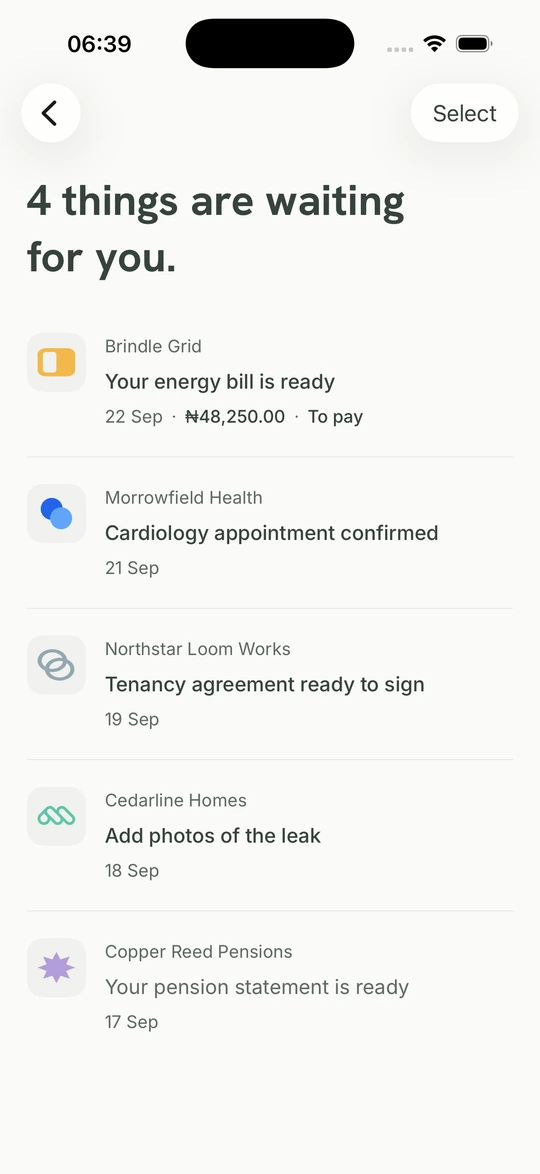
Àpótí lẹ́tà fún àwọn lẹ́tà tó ṣe pàtàkì.
Lẹ́tà tí a fi ránṣẹ́ sí NIN rẹ. Ìfitónilétí tí a fi ránṣẹ́ sí kóòdù ifìwéránṣẹ́ ilé tí o fi pamọ́. Wo olùránṣẹ́ àti ohun tí ó nílò ìdáhùn.
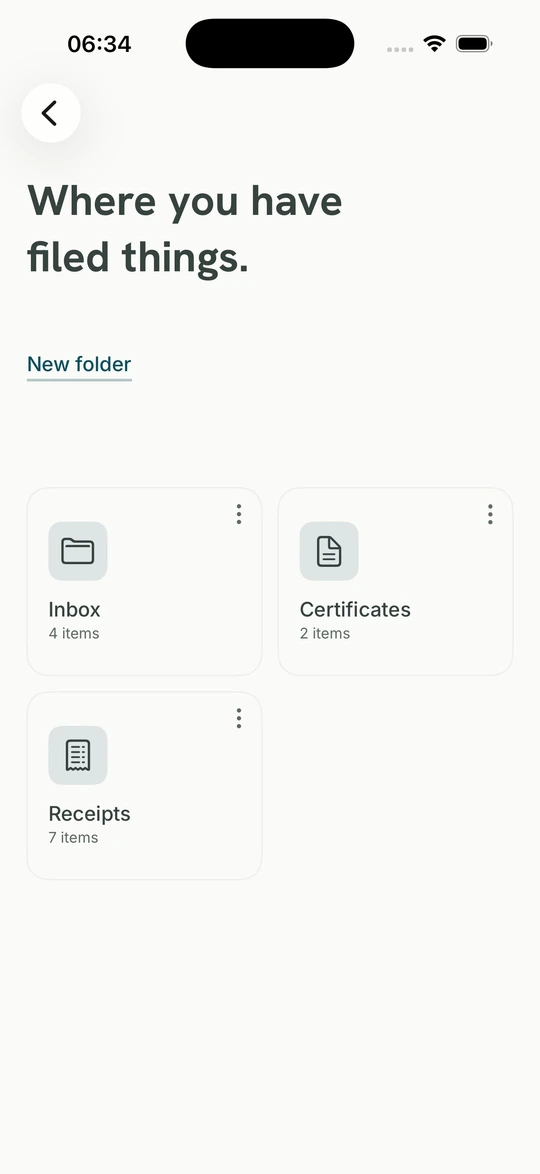
Wo àpótí lẹ́tà rẹPa àwọn ìwé tí o ti ní mọ́. Gba lẹ́tà láti ọ̀dọ̀ àwọn àjọ tí a ti ṣàyẹ̀wò ní Nàìjíríà, dáhùn nígbà tí ó yẹ, kí o sì pa àkọsílẹ̀ mọ́ papọ̀.
Lẹ́tà tí a fi ránṣẹ́ sí NIN rẹ. Ìfitónilétí tí a fi ránṣẹ́ sí kóòdù ifìwéránṣẹ́ ilé tí o fi pamọ́. Wo olùránṣẹ́ àti ohun tí ó nílò ìdáhùn.
Wo àpótí lẹ́tà rẹ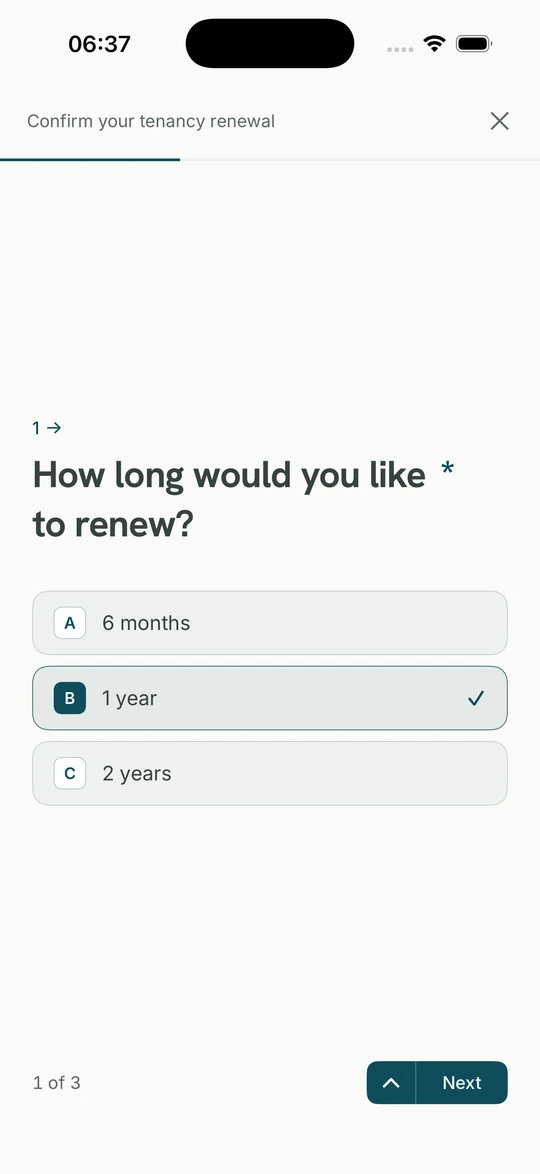
Yan ìdáhùn, kún fọ́ọ̀mù tàbí so ìwé tí àjọ nílò pọ̀. Pa ìdáhùn rẹ mọ́ pẹ̀lú ìbéèrè náà.
Wo fọ́ọ̀mù àti ìdáhùnFi fáìlì kún un láti fóònù tàbí kọ̀ǹpútà, ṣètò rẹ̀ kí orísun rẹ̀ hàn kedere.
Wo àjọ tí a jẹ́rìí sí tó fi ohun kọ̀ọ̀kan ránṣẹ́, ìgbà tí ó dé àti ohun tó nílò rẹ.
Keepable fi èdìdì di gbogbo ohun nígbà tí ó dé, kí ẹnikẹ́ni tó ní ẹ̀dà lè ṣàyẹ̀wò rẹ̀.
Ka gbogbo ìwé náà, buwọ́lu ibi tí a tọ́ka sí, kí o sì pa ẹ̀dà tí a fi èdìdì dì mọ́ lẹ́gbẹ̀ẹ́ ìpilẹ̀ṣẹ̀.
Ṣe ohun tí àjọ béèrè, so ìwé pọ̀ tí ó bá yẹ, kí o sì yẹ̀ ẹ́ wò kí o tó fi ránṣẹ́.
Rí àjọ tó ń béèrè, ohun tó fẹ́ ṣe àti bí yóò ṣe pẹ́ tó. Pa ẹ̀rí mọ́ bóyá o gbà tàbí o kọ̀.
Rí ohun tí wọ́n nílò, parí ìbéèrè, kí o fi ránṣẹ́ láti Keepable Rẹ.
Tẹ̀lé nọ́ńbà ìtọ́kasí kan, dáhùn nígbà tí ó bá yẹ, kí gbogbo ìròyìn àti ìwé sì wà papọ̀.
Keepable ṣàyẹ̀wò NIN àti ojú rẹ nígbà ṣíṣí tàbí gbígba àkọọ́lẹ̀ padà. Passkey ni fún wíwọlé ojoojúmọ́.
Fún ẹni tí o gbẹ́kẹ̀ lé ní àṣẹ láti kà, yan bóyá ó lè ṣètò àwọn ohun, kí o sì dá àṣẹ dúró nígbàkigbà.
Keepable wà lórí Android àti wẹ́ẹ̀bù. Bẹ̀rẹ̀ pẹ̀lú NIN àti àyẹ̀wò ojú, lẹ́yìn náà lo passkey láti wọlé.