 Keepable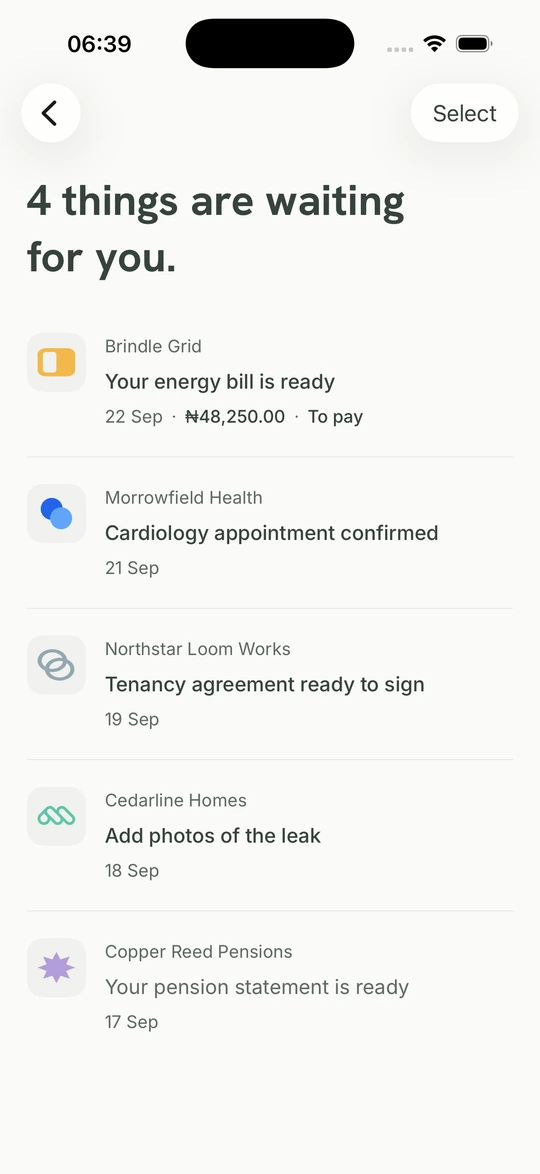
Igbe ozi maka akwụkwọ ozi dị mkpa.
Akwụkwọ ozi e zigara NIN gị. Ọkwa e zigara koodu nzipu ozi ụlọ ị chekwara. Hụ onye zitere ya na ihe chọrọ nzaghachi.
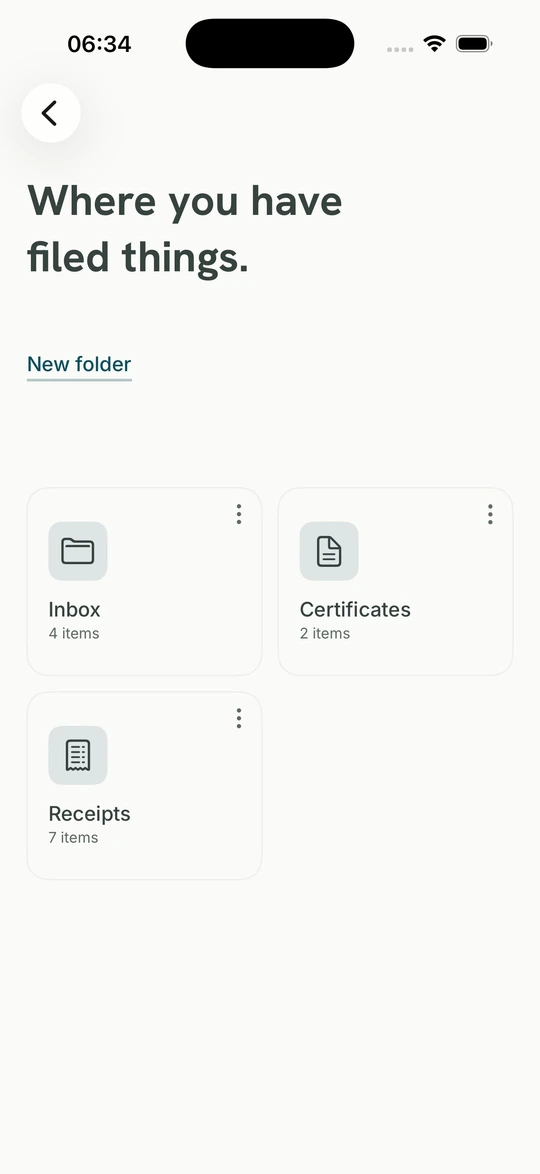
Hụ igbe ozi gịChekwaa akwụkwọ ị nwerela. Nata akwụkwọ ozi n’aka ụlọ ọrụ a nyochara na Naịjirịa, zaghachi mgbe ọ dị mkpa ma debe ndekọ ọnụ.
Akwụkwọ ozi e zigara NIN gị. Ọkwa e zigara koodu nzipu ozi ụlọ ị chekwara. Hụ onye zitere ya na ihe chọrọ nzaghachi.
Hụ igbe ozi gị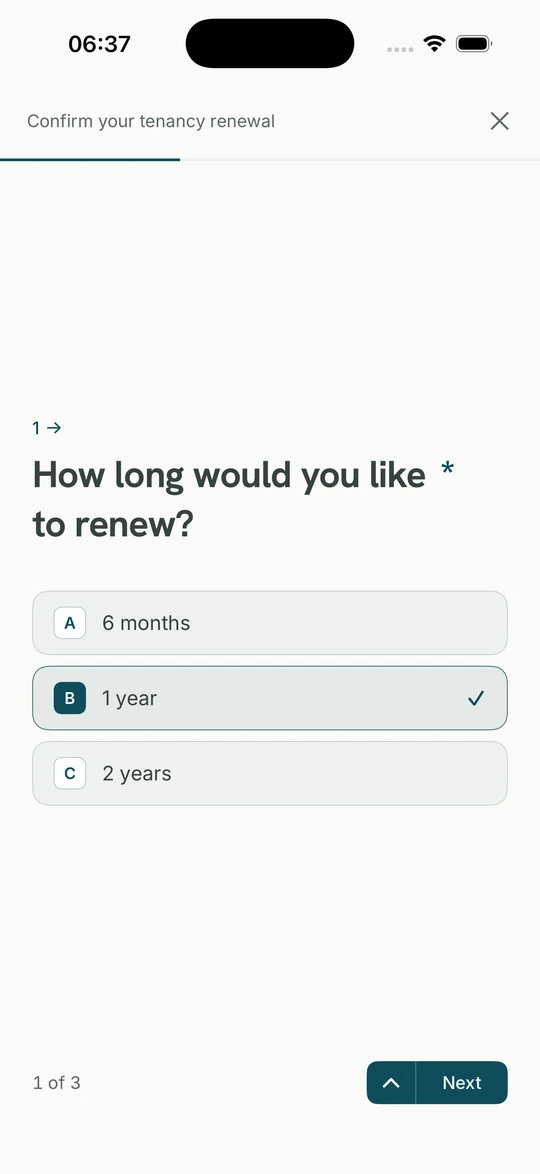
Họrọ azịza, dejupụta fọm ma ọ bụ tinye akwụkwọ ụlọ ọrụ chọrọ. Debe nzaghachi gị na arịrịọ ahụ.
Hụ fọm na nzaghachiTinye faịlụ site n’ekwentị ma ọ bụ kọmputa, hazie ya ma mee ka ebe o si bịa doo anya.
Hụ ụlọ ọrụ a nyochara zitere ihe ọ bụla, mgbe ọ bịara na ihe chọrọ gị.
Keepable na-eji akara mechie ihe ọ bụla mgbe ọ bịara, ka onye nwere nnomi lelee ya.
Gụọ akwụkwọ dum, binye aka ebe a kara, debe nnomi e ji akara mechie n'akụkụ nke mbụ.
Mezue ihe ụlọ ọrụ rịọrọ, tinye akwụkwọ ma ọ dị mkpa ma nyochaa tupu izipu.
Hụ òtù na-arịọ, ihe ha chọrọ ime na ogologo oge. Debe nnata ma ị kwetara ma ị jụrụ.
Hụ ihe a chọrọ, mezue arịrịọ, zipụ ya site na Keepable Gị.
Soro otu akara ntụaka, zaghachi mgbe ọ dị mkpa, debe ozi ọhụrụ na akwụkwọ niile ọnụ.
Keepable na-enyocha NIN na ihu mgbe ị mepere ma ọ bụ weghachiri akaụntụ. Passkey bụ maka ịbanye kwa ụbọchị.
Nye onye ị tụkwasịrị obi ohere ịgụ, họrọ ma ọ ga-ahazi ihe, ma kwụsị ohere ahụ mgbe ọ bụla.
Keepable dị na Android na weebụ. Malite na NIN na nyocha ihu, jiri passkey banye mgbe ahụ.